How to Compress PNG Images Without Losing Quality
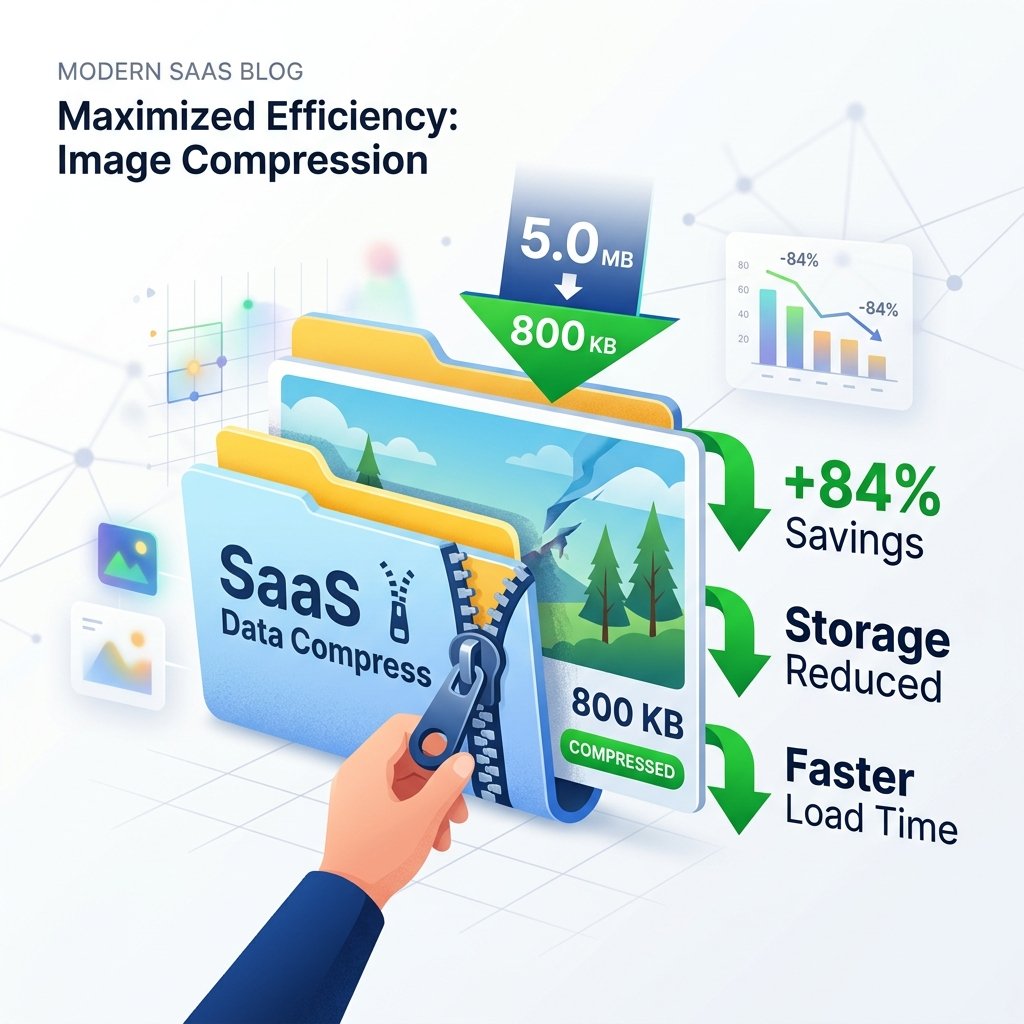
Lossless PNG images are great for detail but terrible for page load speeds. Discover how to compress PNG files by up to 80% without losing visual clarity.
The Challenge of PNG File Sizes
In web design and digital media, image quality and page speed are in constant tension. While we want our graphics, screenshots, and icons to look sharp, large file sizes can slow down page loading speeds. This is particularly true for Portable Network Graphics (PNG) files, which use lossless compression to preserve every pixel.
Fortunately, you can compress PNG images without compromising their visual quality. By utilizing a specialized PNG compressor, you can strip metadata and optimize color profiles to shrink file sizes while keeping your designs sharp.
This guide explains the technical details of PNG compression, demonstrating how to use free online tools to optimize your images for the web.
Lossless vs. Lossy PNG Compression
To compress PNG files effectively, it helps to understand the two main compression methods:
1. Lossless Compression
Lossless compression reduces file sizes by optimizing how the pixel data is structured and removing unnecessary metadata (like camera settings, date created, and GPS coordinates). Because it is lossless, the visual quality of the image remains completely unchanged.
2. Lossy Compression (Quantization)
Lossy PNG compression (often called color quantization) reduces the number of colors in the image. For example, a 24-bit TrueColor image can display millions of colors, but many of these colors are imperceptible to the human eye. By converting the image to an 8-bit indexed palette (which supports up to 256 colors), you can dramatically reduce the file size with very little perceived quality loss.
How to Compress PNG Images Online
Upload Your PNG
Go to the imagpng.com Compressor page and upload your PNG images. You can upload multiple files at once for batch compression.
Choose Compression Intensity
Select either lossless compression (which keeps the original color depth) or lossy quantization (which converts the image to an optimized 8-bit palette for maximum size reduction).
Download Your Optimized File
Click the "Compress" button. Once processed, you can download your optimized images, which will feature significantly smaller file sizes while preserving their transparent backgrounds.
Compression Mode Comparison
| Mode | File Size Reduction | Quality Impact | Best For |
|---|---|---|---|
| Lossless Optimize | 10% - 30% reduction | Zero (Exact pixel match) | Archived designs, source graphics, master templates |
| Color Quantization (Lossy) | 50% - 80% reduction | Minimal (Virtually imperceptible) | Website backgrounds, product catalogs, app assets |
Compression Advantages
- Improves website speed and Core Web Vitals performance.
- Reduces hosting storage space and server bandwidth usage.
- Preserves transparent backgrounds and sharp borders.
- Allows for faster image uploads and transfers.
Compression Trade-offs
- Quantization can introduce slight color banding on smooth gradients.
- Repeatedly compressing using lossy methods will eventually degrade details.
- Stripping metadata removes useful copyright and camera details.
Frequently Asked Questions
Does compressing a PNG remove its transparency?
No. Our PNG compressor optimizations preserve the transparent alpha channel completely, ensuring your cutout graphics look great on any background.
What is the difference between TinyPNG and this tool?
Both tools use similar quantization algorithms to reduce the number of colors in the image. However, imagpng.com runs directly in your browser without any file upload limits or watermarks.
Will image dimensions change during compression?
No. Compression only optimizes file size and color data; the pixel width and height of your image remain exactly the same.
Can I compress files other than PNG?
Yes! imagpng.com's compressor also supports JPG and WebP files. You can convert JPGs to PNGs and compress them in a single workflow.
How many times can I compress a PNG?
If you use lossless compression, you can compress the file as many times as you like. If you use lossy quantization, doing it repeatedly will eventually reduce the color range and impact quality.
Optimize Your Design Library Today
Reduce image sizes up to 80% without losing quality. Access our suite of free online PNG tools to compress files and speed up your website.