How to Make a Logo Online for Free Using AI
Generative AI has simplified brand creation. Learn how to use AI design models to create, customize, and export professional logos with transparent backgrounds.
The Evolution of Brand Design
Creating a professional logo historically required hiring an agency or spending hours learning vector graphics software. While these approaches are still valuable for large organizations, startups and small business owners need faster, more affordable options.
Generative AI has changed this landscape. By using an AI logo maker, you can input your brand guidelines and generate multiple logo concepts in seconds. When combined with a transparent PNG export, your logo is ready to be used on websites, merchandise, and social media.
This guide walks you through the process of designing a professional logo with AI, explaining prompt drafting, design editing, and file optimization.
Understanding Logo Types
When designing your logo, choose a layout that fits your brand:
1. Wordmark (Logotype)
Focuses on the brand name in a stylized typeface (e.g., Google, Coca-Cola). Best for brands with memorable names.
2. Lettermark (Monogram)
Uses the brand's initials to create an icon (e.g., HBO, IBM). Best for companies with long or complex names.
3. Brandmark (Pictorial Mark)
Uses a symbol or icon to represent the brand (e.g., Apple, Twitter). Best for companies that want a standalone logo symbol.
4. Combination Mark
Combines a symbol with a wordmark (e.g., Adidas, Nike). Highly versatile, as the symbol and wordmark can be used together or separately.
How to Generate a Logo with AI Studio
Input Your Brand Name and Industry
Go to the imagpng.com AI Logo Maker. Enter your brand name, add a tagline if you have one, and select your business category to guide the AI's suggestions.
Select Style Presets and Colors
Choose your preferred styles (e.g., modern, vintage, minimalist) and color palettes (e.g., warm gradients, corporate blues, earth tones).
Refine in the Editor
Select a generated concept and customize it in our PNG editor. Adjust the text fonts, swap icons, and reposition elements to refine the design.
Export with Transparency
Export your logo as a transparent PNG to ensure it fits cleanly on dark and light layouts. Run the file through our PNG compressor to optimize it for fast page loading.
Design Workflow Comparison
| Parameters | AI Logo Maker | Professional Agency |
|---|---|---|
| Cost | Free / Budget-friendly | High ($500 - $5,000+) |
| Delivery Time | Instant (under 5 minutes) | Weeks or months of iteration |
| Customization Options | Self-guided adjustments in editor | Collaborative designer updates |
| Ideal For | Startups, side projects, landing pages | Enterprise brands, physical products |
Primary Benefits
- Saves time and money, making branding accessible.
- Generates multiple concepts quickly for quick testing.
- Outputs high-resolution transparent PNG files.
- Allows for easy updates in our integrated editor.
Limitations
- AI logos can feel generic without custom editor adjustments.
- Limited copyright and trademark options compared to custom agency work.
- Requires precise prompt guidelines to align with complex brand identities.
Frequently Asked Questions
Can I trademark an AI-generated logo?
Trademark regulations vary by region. In general, because AI generations are not subject to traditional copyright protections, trademarking them can be challenging. We recommend customizing the logo in our editor to ensure it is unique.
Why do I need a transparent logo?
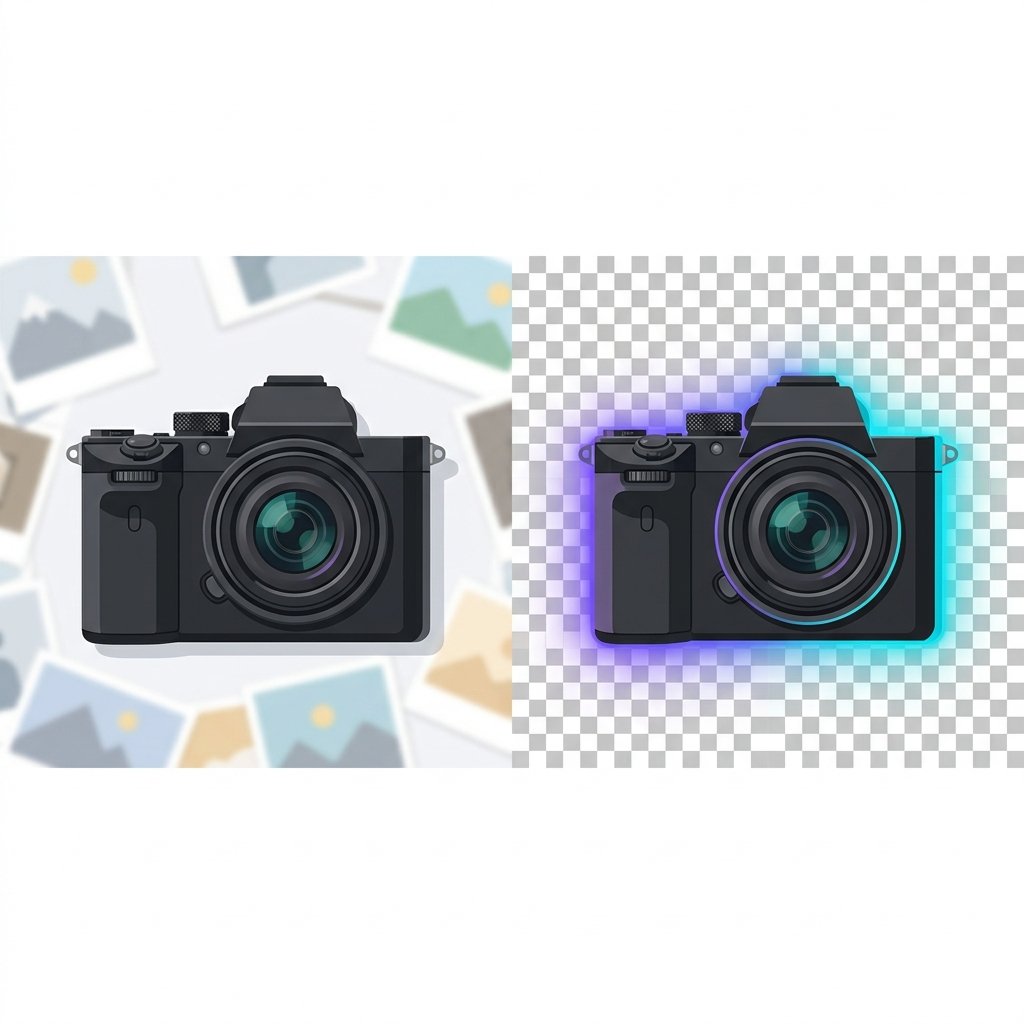
A transparent logo has no solid background box, allowing it to layer cleanly over different layouts, headers, and backgrounds without awkward borders.
Can I download my AI logo as a vector file (SVG)?
Yes. imagpng.com allows you to export your logo as a transparent PNG or an SVG vector file, which is perfect for print and scaling.
What is the difference between wordmarks and brandmarks?
A wordmark is a text-only logo focusing on the brand name (e.g., Google). A brandmark is a symbol-only logo (e.g., Apple). A combination mark combines both.
How do I optimize my logo for website headers?
Save the logo as a transparent PNG, crop out empty margins, and compress the file using our PNG compressor to keep it light.
Create Your Brand Logo in Minutes
Start designing your brand identity today. Use our free AI logo maker to generate and download professional logos with transparent backgrounds.