How to Remove Background from an Image and Download a Transparent PNG for Free
Struggling with messy image backgrounds? In this comprehensive guide, we demonstrate the exact steps to isolate subjects, clean up edges, and export perfect transparent PNGs using free online tools.
Why Transparent Backgrounds Matter in Modern Design
In visual media, context is everything. However, the context of an original photograph is rarely the same as the context of your final design. Whether you are building a modern e-commerce storefront, designing high-converting social media ads, or crafting a cohesive brand logo, the background of your starting asset is often a hindrance rather than a help. This is where the magic of the transparent PNG comes into play. By removing the background from your images, you unlock limitless creative freedom.
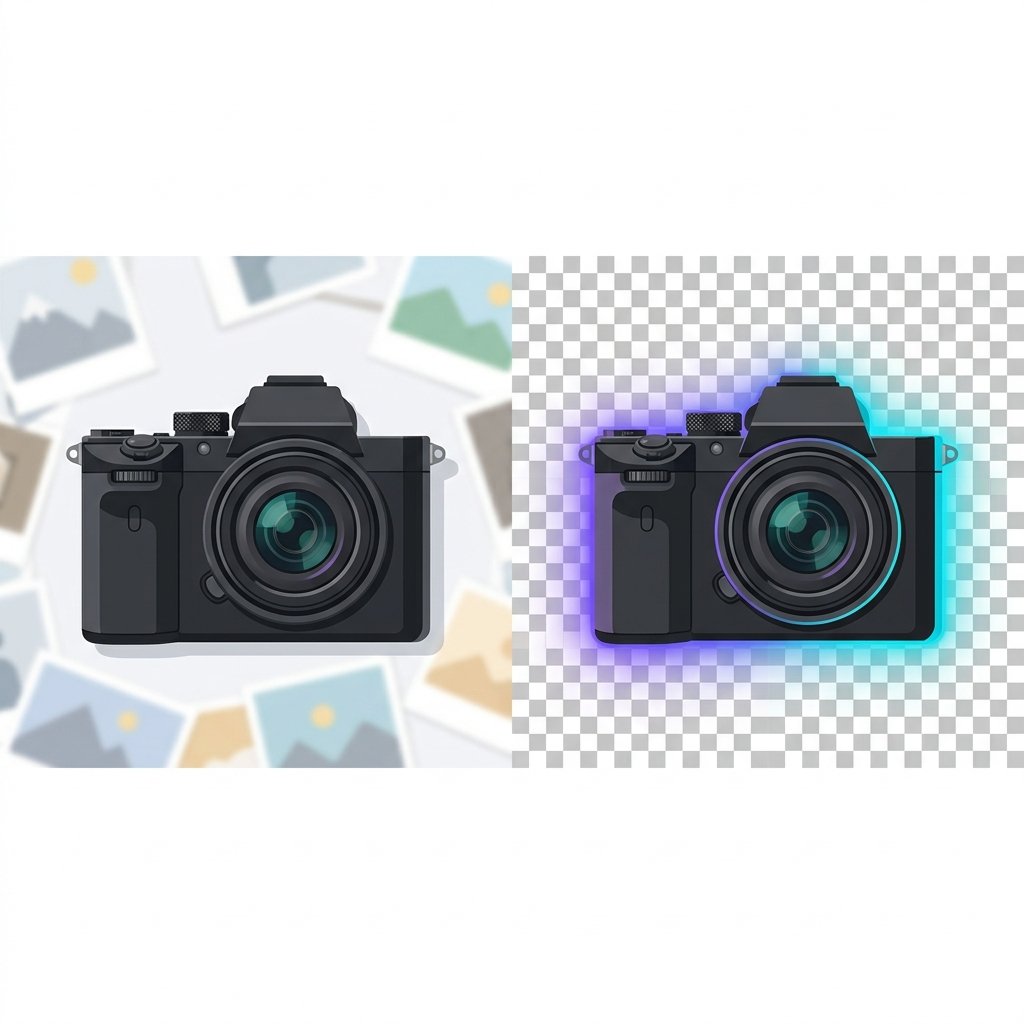
A transparent PNG isolates the subject—be it a person, a product, or a graphic element—allowing you to place it seamlessly onto any new backdrop. Think of a clean white shirt shot in a cluttered studio. With a quick background removal step, you can extract the shirt and overlay it on a minimalist concrete background, a colorful gradient, or a slider image on your website without any awkward white blocks framing the product.
Historically, isolating complex subjects required hours of manual labor in professional desktop software like Adobe Photoshop. Graphic artists had to painstakingly trace around hairs, clothing fibers, and transparent glasses using the Pen Tool. Today, thanks to advances in computer vision, neural networks, and AI-driven PNG tools, you can achieve professional-grade background isolation in less than five seconds—completely online and for free.
Furthermore, having clean cutout assets enables dynamic responsive behaviors in web environments. An isolated product image can overlap with headings, slide into view with CSS animations, or swap backgrounds based on user selection (such as dark mode toggles). This makes the skill of background removal and transparent asset management a cornerstone of modern digital workflow.
The Technology Behind Online Background Removal
To appreciate how effortless background removal has become, it helps to understand the underlying technology. Traditional automatic methods relied on basic color keying (similar to green screen technology) or simple contrast thresholds. These tools worked fine if the subject was shot against a perfectly uniform, high-contrast studio wall, but failed miserably when faced with natural shadows, similar foreground-background tones, or intricate outlines.
Modern remove background online tools utilize deep learning models. These networks are trained on millions of images to distinguish between the foreground subject (the semantic focus) and everything else (the background). These AI models perform two primary tasks:
- Semantic Segmentation: Identifying what type of object is in the frame (e.g., human, dog, car, mug) and tracing its general boundaries.
- Matting & Refinement: Analyzing transition pixels (such as hair, fur, or semi-transparent fabrics) to create a soft mask, preventing the cutouts from looking jagged or fake.
By combining these two processes, AI tools generate an alpha channel mask. When applied to the original image, this mask changes the opacity of all background pixels to zero, creating a clean, transparent canvas ready for export.
Step-by-Step Guide to Removing Backgrounds Online
Upload Your Image
Navigate to our free AI Background Remover page. Click on the upload zone or drag and drop your target image file. The platform supports standard formats like JPEG, PNG, and WebP up to 10MB.
Let the AI Process
Once uploaded, our cloud-hosted machine learning model will automatically analyze the image. In 2 to 5 seconds, it will isolate the primary subject, crop out the background, and display the preview against a checkered grid representing transparency.
Fine-Tune Edges (Optional)
If some areas require tweaking (like hair flyaways or complex shadows), use our built-in PNG editor. Adjust the brush size and manually erase or restore specific regions of your photo to ensure perfect boundaries.
Download Your Free Transparent PNG
Click the "Download PNG" button to download the finalized graphic. Your new file will preserve transparency, ensuring it integrates perfectly with any background in your subsequent projects.
Comparing Background Removal Methods
| Feature | AI Online Remover | Manual Pen Tool | Magic Wand Tool |
|---|---|---|---|
| Time Required | Under 5 Seconds | 10 to 30 Minutes | 1 to 5 Minutes |
| Complexity / Skill | None (One-Click) | High (Pro Designer) | Medium (Tuning tolerance) |
| Hair & Fine Detail | Excellent (Matting model) | Perfect (With patience) | Poor (Jagged edges) |
| Cost | Free (imagpng.com) | Expensive Software | Varies (Standard software) |
Challenges & Limitations
- Struggles with extremely low-contrast edges (e.g., white dress on a white background).
- Highly reflective objects can sometimes blend into background reflections.
- Very busy backgrounds may leave artifacts that require manual clean-up.
Primary Benefits
- Massive time savings; zero manual installation or setup.
- Perfect for batch processing and listing products on eBay, Amazon, or Shopify.
- Outputs high-resolution transparent PNG files without watermarks.
- Maintains absolute edge softness to fit naturally onto new background styles.
Frequently Asked Questions
What is a transparent PNG?
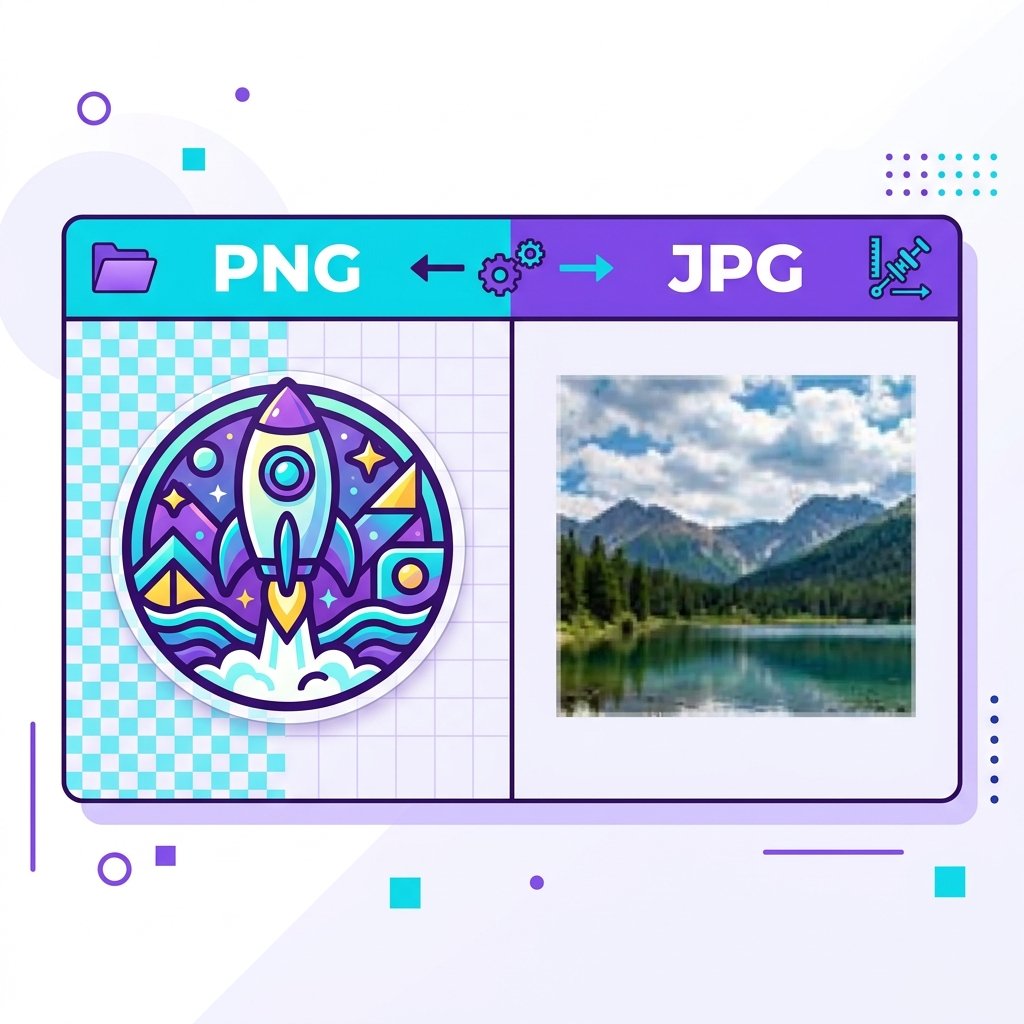
A transparent PNG is an image format that includes an "alpha channel" representing pixel transparency. Unlike JPG files which force a solid white or black canvas on transparent areas, PNG files let visual designs display elements layered over backgrounds without borders.
How much does it cost to use the background remover?
Our AI background remover is entirely free to use on imagpng.com. Registered users get free monthly credits to isolate and export images without any hidden charges or watermarks.
Does background removal degrade image quality?
No. Our platform isolates the subject while preserving original pixel dimensions. If you upload a high-resolution portrait, you can download the final transparent cutout in the same crisp resolution.
What formats can I upload for background removal?
You can upload files in JPG, JPEG, PNG, and WebP. The system automatically outputs the background-free cutout as a transparent PNG.
Can I restore areas that the AI mistakenly removed?
Yes! Our interactive PNG editor allows you to use restore and erase brushes. You can refine fine details manually if the automated AI misses a unique edge.
Isolate Your Images Instantly With Our AI PNG Tools
Stop spending hours manually tracing edges. Upload your photos to our remove background online tool now and get perfect transparent cutouts in seconds.