PNG vs JPG: Which Image Format Should You Use?
Understanding the structural and aesthetic differences between PNG and JPG is crucial for visual quality, web performance, and brand asset management. Let us dive deep into the technical comparison.
Introduction to Raster Image Formats
Every pixel displayed on a screen represents a choice of format, compression, and mathematical encoding. Two formats have dominated the digital space for decades: PNG (Portable Network Graphics) and JPG (Joint Photographic Experts Group, also known as JPEG). Despite their ubiquity, they were designed for radically different use cases. Choosing the wrong format can lead to pixelated logos, slow website loading times, or excessive server bandwidth costs.
At the core, both formats represent raster images—grids of colored pixels. However, how they compress this pixel grid is where they diverge. PNG was created as an open-source successor to the GIF format, designed to support lossless compression and transparent alpha channels. JPG, on the other hand, was engineered specifically to compress continuous-tone photographic images by discarding visual data that the human eye is less likely to notice.
In today's ecosystem, utilizing high-quality PNG tools, a versatile PNG converter, or an efficient PNG compressor can optimize your graphics library. However, before applying these tools, creators must make the fundamental choice between PNG and JPG. This guide breaks down the science, advantages, and ideal workflows for both formats.
Lossy vs. Lossless Compression: The Technical Battle
The defining technical difference between PNG and JPG is the compression methodology. Compression is necessary because raw uncompressed images are massive. For example, a standard 1080p image (1920x1080 pixels) with 24-bit color depth requires approximately 6.2 Megabytes of storage without compression. Multiplying this across a web page with 20 images would lead to page sizes exceeding 120MB, a disaster for user experience and mobile connections.
PNG utilizes Deflate compression: This is a lossless algorithm combining LZ77 and Huffman coding. When a PNG is compressed, the encoder looks for patterns in the pixel sequences. If there is a solid line of 200 blue pixels, the algorithm stores that pattern as a single instruction rather than 200 individual pixel data points. Because it is lossless, when the browser decompresses the image, the output is an exact pixel-for-pixel replica of the original canvas. No noise, blur, or artifacts are introduced. This makes PNG perfect for geometric designs, typography, and screenshots.
JPG utilizes Discrete Cosine Transform (DCT): JPG compression is lossy. The algorithm converts spatial image data into frequency data. It divides the image into 8x8 pixel blocks and discards high-frequency details (such as minute texture fluctuations or sharp color boundaries) because human vision is highly sensitive to luminance (brightness) but less sensitive to chrominance (color details). By discarding this data, JPG can compress a photographic file to 1/10th or 1/20th of its uncompressed size with negligible perceived quality loss. However, re-saving a JPG multiple times results in "generational loss," where compression artifacts (blocky pixels, fuzzy rings around high-contrast edges) become increasingly visible.
Feature-by-Feature Matrix
| Parameters | PNG (Portable Network Graphics) | JPG (Joint Photographic Experts Group) |
|---|---|---|
| Compression Type | Lossless (DEFLATE algorithm) | Lossy (Discrete Cosine Transform) |
| Transparency Support | Yes (8-bit Alpha Channel, 256 opacity levels) | No (Fills transparent pixels with solid color) |
| Average File Size | Larger (due to exact detail retention) | Smaller (highly compressible) |
| Ideal Use Cases | Logos, UI mockups, text-heavy graphics, line art | Real-world photographs, complex color gradients |
| Color Profiles | RGB (excellent for screens) | RGB & CMYK (supported in professional print settings) |
| Metadata Support | Supports text chunks (author, copyright, dates) | Extensive Exif data (camera details, GPS, lenses) |
The Transparency Factor: Alpha Channels Explained
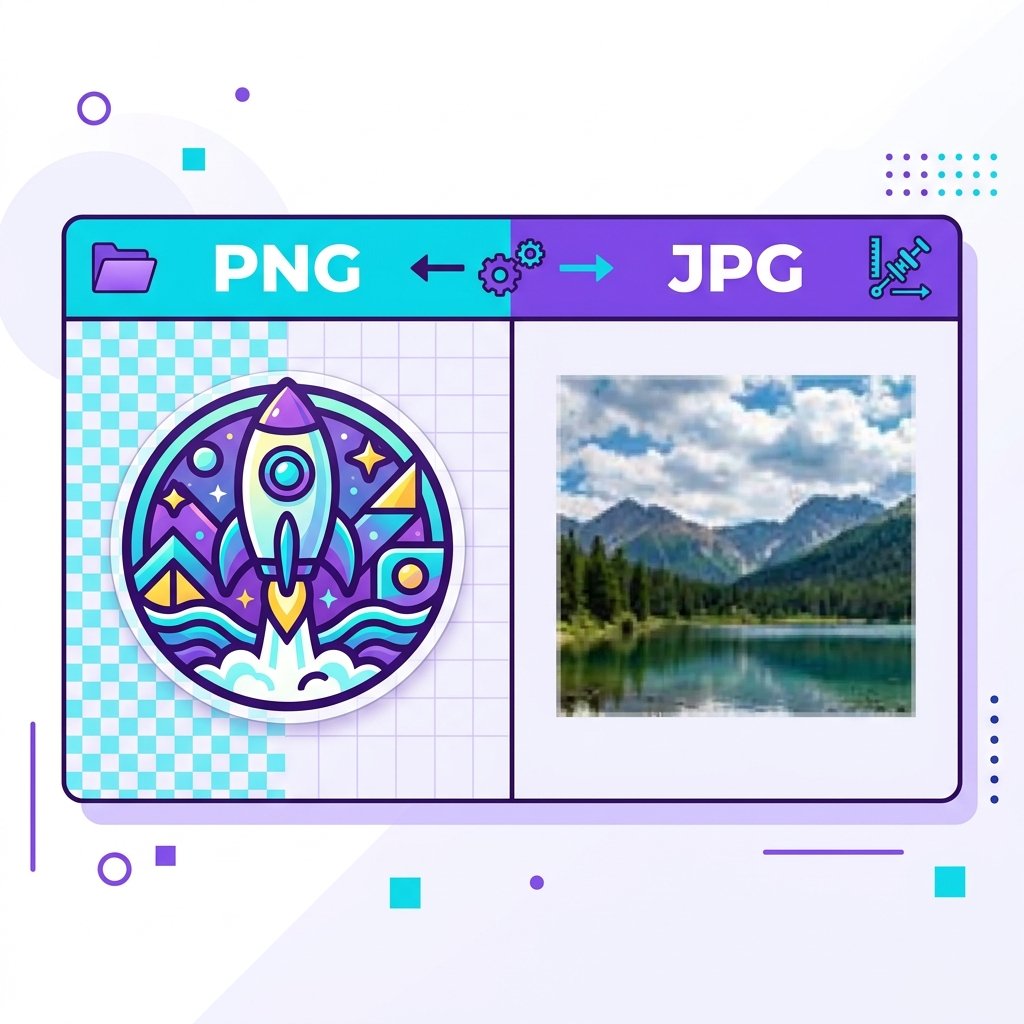
Perhaps the most visible difference in web design is transparency. PNG supports 24-bit TrueColor along with an 8-bit alpha channel. This means each pixel can range from 100% opaque to 100% transparent, with 254 intermediate levels of semi-transparency. This enables smooth anti-aliased edges, glass-like drop shadows, and glowing overlays.
JPG does not support transparency. If you create a logo with a round profile and save it as a JPG, the blank corners will be filled with a solid background color, usually white. If you place this logo onto a gray website footer, the ugly white box around the circle remains. To overlay brand assets cleanly, designers must use a transparent PNG.
How to Convert JPG to Transparent PNG
If you have a JPG image and need to use it in a transparent composition, follow this simple workflow using free online tools:
Remove the Solid Background
Use an online background removal tool to isolate the main subject and replace the solid white or colored pixels with transparency.
Run Through a PNG Converter
If the background was already flat, upload your image to our PNG converter. Select PNG as the output format to preserve the color channels properly.
Optimize and Compress
Because PNG files are larger than JPGs, run the output file through our PNG compressor. This strips metadata and shrinks the file size while leaving details completely intact.
When to Choose PNG
- You need transparent backgrounds for overlay logos or floating product shots.
- Your graphics contain sharp text, tables, or structural diagrams.
- You are saving assets with simple color pallets, screenshots, or code listings.
- The image will be edited repeatedly; you want to avoid progressive quality degradation.
When to Choose JPG
- You are uploading photography portfolios or travel blog photos.
- The image features rich, realistic textures like skin, clouds, or canvas.
- You need to keep the file size minimal for fast webpage loading.
- You are sharing previews that do not require overlay edits or layering.
Frequently Asked Questions
Is PNG better than JPG for SEO?
Not directly. Search engines do not rank an image higher simply because it is a PNG or a JPG. However, page speed is a significant Core Web Vitals ranking factor. Since JPG files are usually smaller, they can load faster, giving them an indirect advantage. Yet, if you need sharp diagrams or logos, a blurry JPG will look unprofessional.
Can a JPG have transparency?
No. The JPG specification has no concept of an alpha channel or transparency. If you force a transparent image into JPG format, the encoder will convert the transparent pixels to solid white or black by default.
Why do PNG screenshots look cleaner than JPG?
Screenshots often contain sharp interface borders, solid background blocks, and text. PNG uses lossless compression which preserves these high-contrast borders perfectly. JPG's lossy frequency-based compression creates fuzzy outlines (ringing artifacts) around lettering, making screenshots look blurry.
Does converting PNG to JPG lose quality?
Yes. When you use a converter to turn a PNG into a JPG, you are compressing the file using a lossy method. Visual details and precise color boundaries will be discarded, and any transparency will be lost.
What is the difference between PNG-8 and PNG-24?
PNG-8 supports only 256 indexed colors (similar to GIF) and has smaller file sizes. PNG-24 supports TrueColor (16.7 million colors), providing high color depth but resulting in larger files. Use PNG-24 for complex graphics and PNG-8 for simple icons.
Convert, Compress, and Optimize Your Graphic Assets
Need to change formats or shrink sizes without loss of detail? Access our suite of free online PNG tools to convert JPGs, compress PNGs, and manage visual properties.