Where to Download Free Transparent PNG Images Online
Finding high-quality, transparent assets can be challenging. Discover the best online libraries to download free transparent PNGs and learn how to navigate image licensing.
The Quest for High-Quality Design Assets
Every graphic design project, presentation slide, or website layout requires visual assets to bring it to life. However, sourcing these assets can be a major bottleneck. Designers often spend hours searching for high-resolution graphics, only to find that the "transparent" images they download are actually flat JPGs with fake checkerboard backgrounds.
Using a dedicated library of free PNG images helps designers find authentic transparent assets ready to use in their layouts. When combined with tools like a PNG compressor, a PNG editor, or an AI remove background online tool, sourcing and optimizing assets becomes a seamless workflow.
This guide highlights the best online platforms for downloading transparent PNGs, explaining their licensing models and tips for verifying transparency.
Understanding Image Licenses
Before using downloaded graphics, make sure you understand their licensing guidelines:
1. Creative Commons Zero (CC0) / Public Domain
Images licensed under CC0 can be used freely for commercial and personal projects without requiring attribution. You can copy, modify, and distribute the images as needed.
2. Creative Commons with Attribution (CC-BY)
You are free to use these images, but you must attribute the original creator in your project.
3. Commercial Use License
Allows the image to be used in marketing materials, products for sale, and business presentations. Make sure to read the license details, as some platforms restrict resale.
4. Personal Use Only
Restricts image usage to non-commercial projects, like school assignments or personal blogs. Using these graphics in commercial projects can lead to legal issues.
How to Verify Real PNG Transparency
To avoid downloading fake transparent files, follow these simple verification tips:
Look for Checkerboard Grids
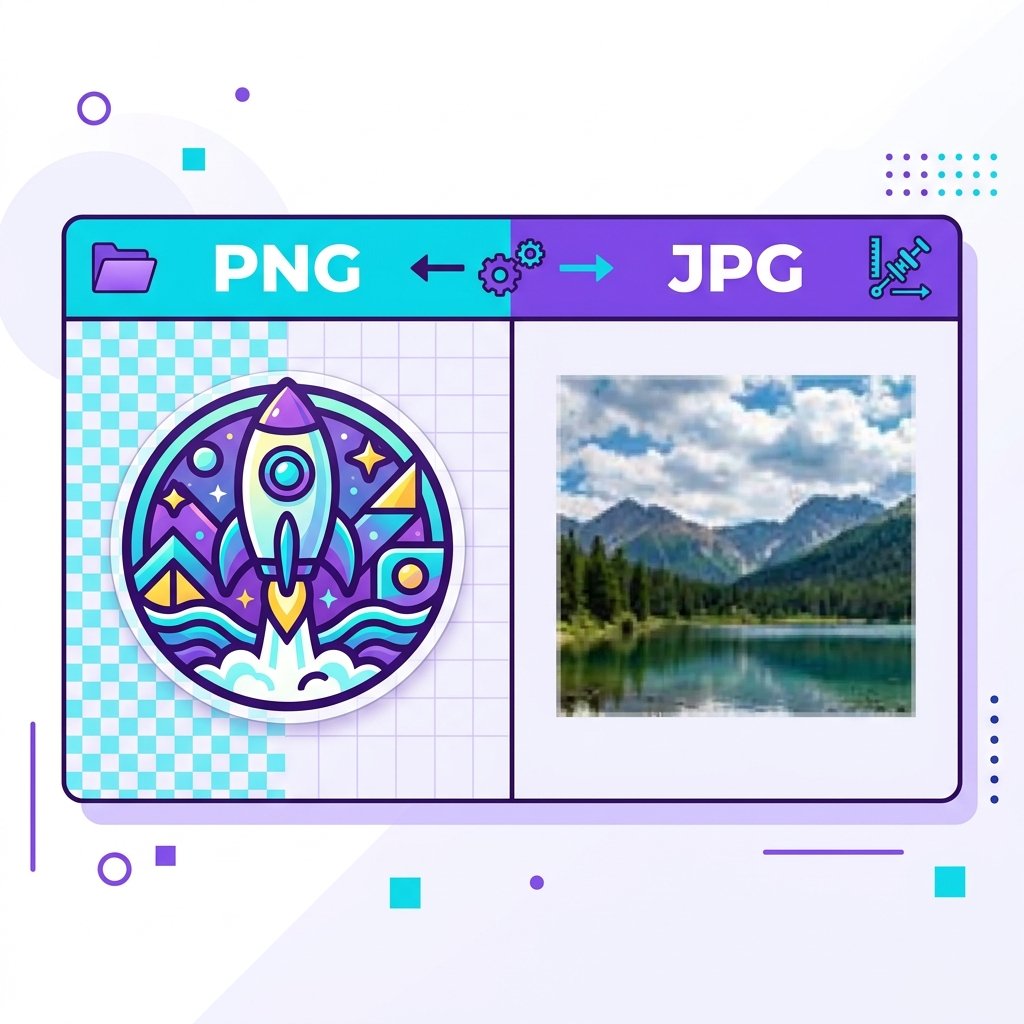
In search results, a real transparent PNG will usually show a solid white background. When you click on the image to preview it, the background should transition to a gray and white checkerboard grid. If the grid is visible in search thumbnails, it is likely a fake transparent file.
Check File Extensions
Make sure the downloaded file has a `.png` or `.webp` extension. If the file downloads as a `.jpg` or `.jpeg`, it will not support transparency.
Use Background Remover Tools
If you download a fake transparent image, you can use our remove background online tool to isolate the subject and download a clean transparent PNG in seconds.
Top PNG Sourcing Libraries
| Platform | Asset Diversity | Primary License | Key Advantage |
|---|---|---|---|
| imagpng.com Library | High (Logos, icons, design assets) | Free Commercial (CC0) | Pre-optimized files, integrated tools |
| Unsplash | High (Photography, isolated objects) | Unsplash Custom (Free commercial) | Realistic, high-resolution photos |
| Pixabay | Medium (Vectors, illustrations) | Pixabay License (Free commercial) | Good collection of vector illustrations |
| Pexels | Medium (Photos, graphic elements) | Pexels License (Free commercial) | Consistent photographic style |
Library Advantages
- Access to thousands of design-ready assets.
- Reduces the need to shoot or design custom graphics.
- Free options keep project costs low.
- Wide variety of styles, from realistic cutouts to flat vectors.
Library Challenges
- Fake transparent files are common in search results.
- Licensing details can be confusing and restrict usage.
- Finding specific, niche graphics can require extensive searching.
Frequently Asked Questions
Why do some downloaded PNGs have a fake checkerboard background?
This happens when creators save a checkerboard pattern as solid pixels in a JPG file. It is a common issue with stock photo aggregators. You can fix this by running the image through our remove background online tool.
Is attribution required for free PNG downloads?
It depends on the platform's license. Files under CC0 or Unsplash/Pexels licenses do not require attribution, but platforms using CC-BY licenses do.
Can I use downloaded PNGs in commercial logos?
We advise against this. Most free libraries restrict trademarking images from their collections. To ensure your brand logo is unique and eligible for a trademark, use our logo maker to design a custom asset.
How do I resize a downloaded PNG without losing quality?
You can resize the image using our PNG editor. Since PNG is a raster format, scaling it down is lossless, but scaling it up past its original dimensions can cause pixelation.
What is the best way to compress downloaded PNGs?
Upload the files to our PNG compressor to optimize the color tables and strip metadata, reducing file size while keeping visual quality intact.
Access Over 10,000 Free Transparent PNGs
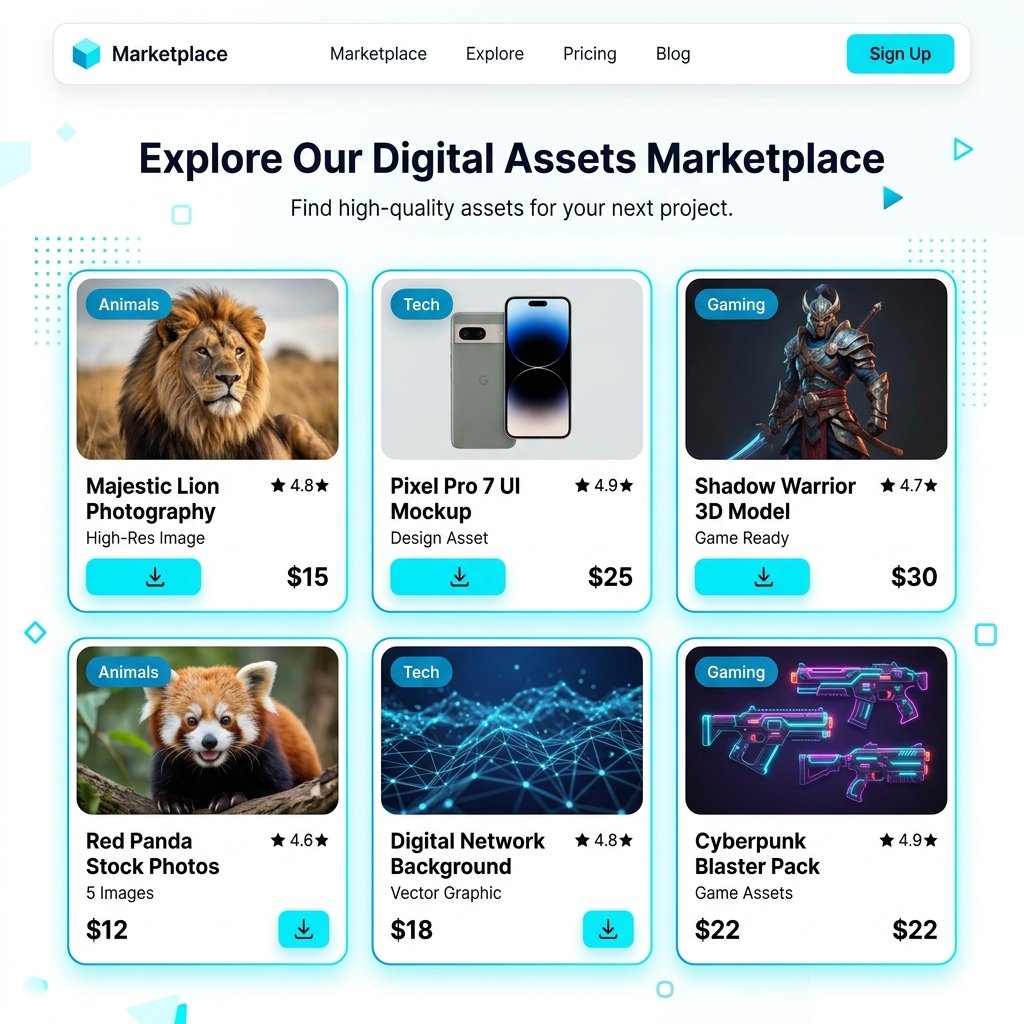
Browse our curated library of high-resolution, royalty-free transparent PNG graphics, icons, and illustrations. Ready for commercial and personal projects.