How to Optimize PNG Images for SEO and Website Speed
Optimizing images is essential for both user experience and search rankings. Discover how to compress PNG assets, write SEO-friendly alt text, and improve page load speeds.
The Role of Images in Web SEO
Search engine optimization (SEO) involves more than just writing keyword-rich text. Visual elements like product photos, charts, and diagrams are processed and indexed by search engines, making image optimization an important part of any SEO strategy.
Additionally, website performance is a significant search ranking factor. Unoptimized images can slow down page loading speeds, leading to higher bounce rates and lower search rankings. By using a PNG compressor and writing search-friendly metadata, you can optimize your graphics for both search engines and user experience.
This guide covers practical strategies for optimizing PNG files, explaining metadata tagging, file naming conventions, and page speed optimization.
Key Image SEO Strategies
To help search engines index and rank your images, keep these best practices in mind:
1. Write Descriptive Alt Text
Alt text (alternative text) provides a textual description of an image for screen readers and search crawlers. Keep it specific and descriptive (e.g., use ` ` instead of a generic description).
2. Use Descriptive File Names
Rename generic camera files (like `DCIM_001.jpg`) to descriptive, lowercase names separated by hyphens (e.g., `modern-kitchen-counters.png`).
3. Define Width and Height Dimensions
Specify image width and height in your HTML or CSS. This reserves the layout space during loading, preventing layout shifts and improving your CLS score.
4. Add Images to XML Sitemaps
Add image URLs to your website's XML sitemap to help search crawlers discover and index your visual content.
Step-by-Step Image Optimization Workflow
Resize to Display Dimensions
Use our browser-based PNG editor to scale the image to the exact dimensions it will display at on your page, avoiding oversized files.
Remove the Background (If Needed)
If you are displaying product photos, use our remove background online tool to isolate the subject, helping reduce the final file size by removing background pixel data.
Compress and Optimize Color Data
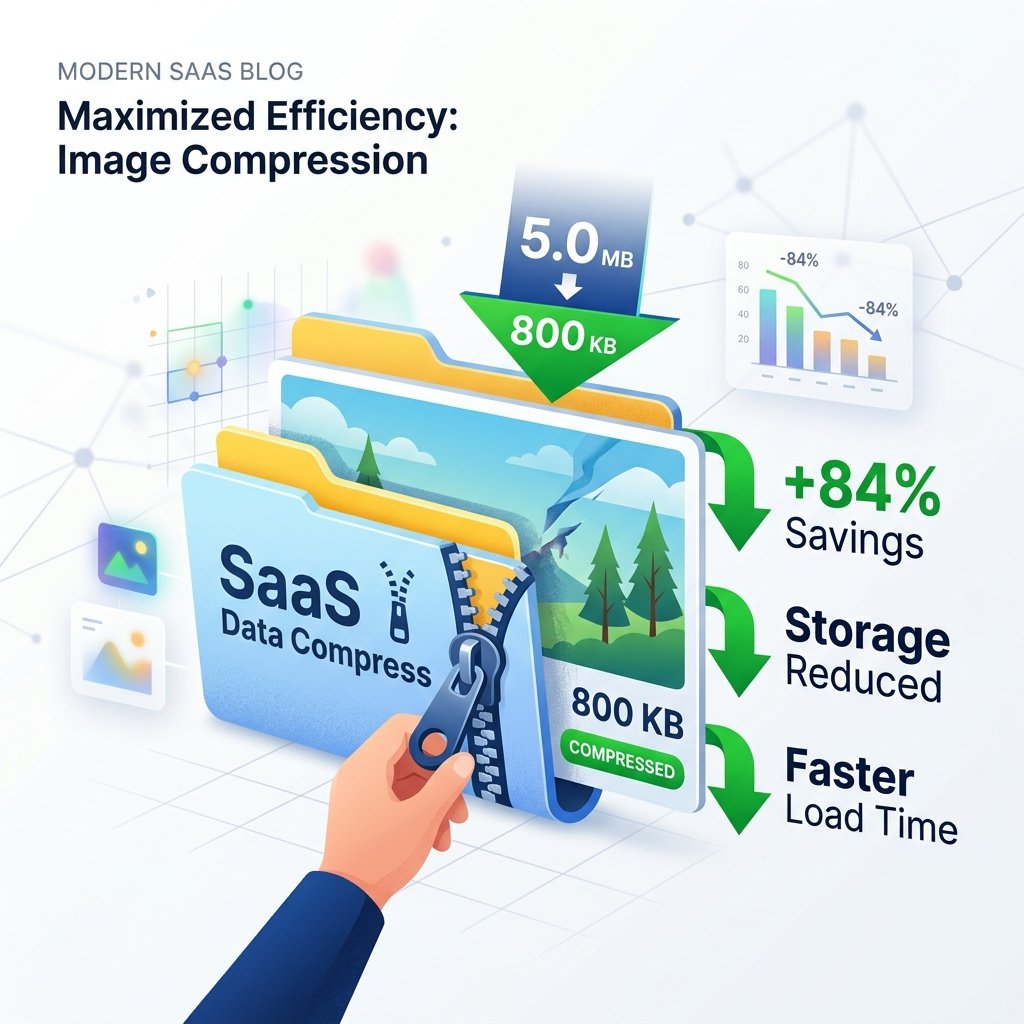
Upload your PNG to our PNG compressor to strip unnecessary metadata and optimize color tables, shrinking the file size while keeping visual quality intact.
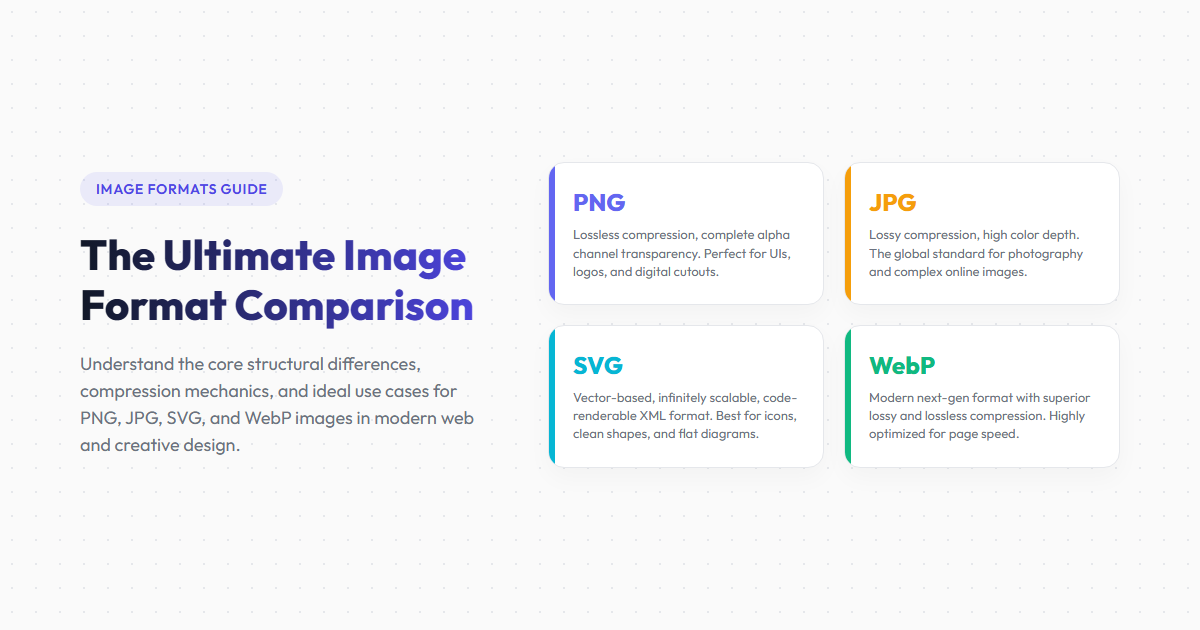
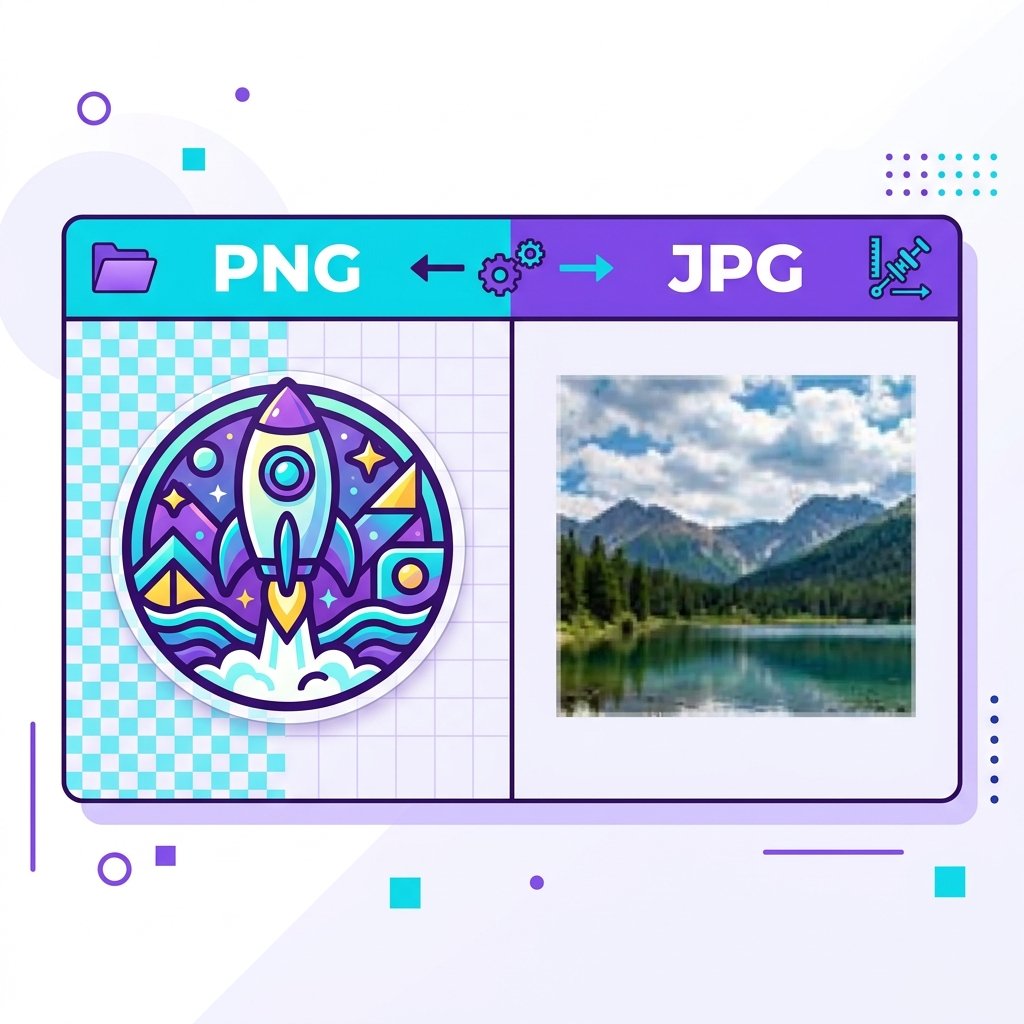
Convert to WebP or Next-Gen Formats
Use our PNG converter to translate your finalized graphics into WebP, which is highly optimized for modern web browsers.
Image Optimization Impact
| Optimized Parameter | Optimized Asset Stack | Unoptimized Asset Stack |
|---|---|---|
| File Size | Small (80KB - 150KB WebP/PNG) | Large (3MB - 5MB Raw PNG) |
| Google Crawl Accessibility | High (Alt text and descriptive file names) | Poor (generic file names, no alt text) |
| Core Web Vitals LCP Score | Good (loads in under 0.8 seconds) | Poor (takes over 4 seconds to download) |
| Visual Layout Stability | Stable (dimensions defined in HTML) | Unstable (causes layout shifts) |
Optimization Benefits
- Improves website speeds and LCP scores.
- Improves Google Image search rankings and visibility.
- Enhances site accessibility for visually impaired users.
- Reduces hosting bandwidth and storage costs.
Optimization Trade-offs
- Requires additional time to process and write metadata.
- Converting files to WebP can require legacy format fallbacks for very old browsers.
- Stripping metadata removes useful copyright and creator details from the image file.
Frequently Asked Questions
What is image alt text?
Alt text (alternative text) provides a textual description of an image for screen readers and search crawlers, helping index the image for search results.
Does Google prioritize WebP over PNG?
Not directly. However, WebP files are smaller and load faster, which improves website speeds and LCP scores, helping boost your search rankings.
How long should image alt text be?
Keep alt text descriptive and concise, ideally under 125 characters, to ensure it fits well on standard screen readers.
What is Cumulative Layout Shift (CLS)?
CLS is a Core Web Vitals metric that evaluates visual stability by measuring how much elements shift unexpectedly during page loading.
Should I compress transparent PNGs?
Yes. Running transparent PNGs through our PNG compressor optimizes color tables and strips metadata, reducing file size while keeping visual quality and transparency intact.
Optimize Your Graphic Library Today
Shrink PNG files by up to 80% or convert them to WebP using our free online PNG tools to improve website speeds and SEO rankings.