10 Creative Ways to Use PNG Images in Marketing and Design
Transparent graphics are versatile resources. Learn 10 ways to use transparent PNGs to improve your digital marketing campaigns, web layouts, and branding projects.
The Power of Custom Visuals
In digital marketing, capturing attention is crucial. Visual content is processed 60,000 times faster by the brain than text, meaning the quality of your images can determine a campaign's success.
Using a library of high-resolution free PNG images gives you the flexibility to build layered designs. By isolating background elements, you can place subjects onto any layout, overlay logos onto promotional materials, or create engaging website animations.
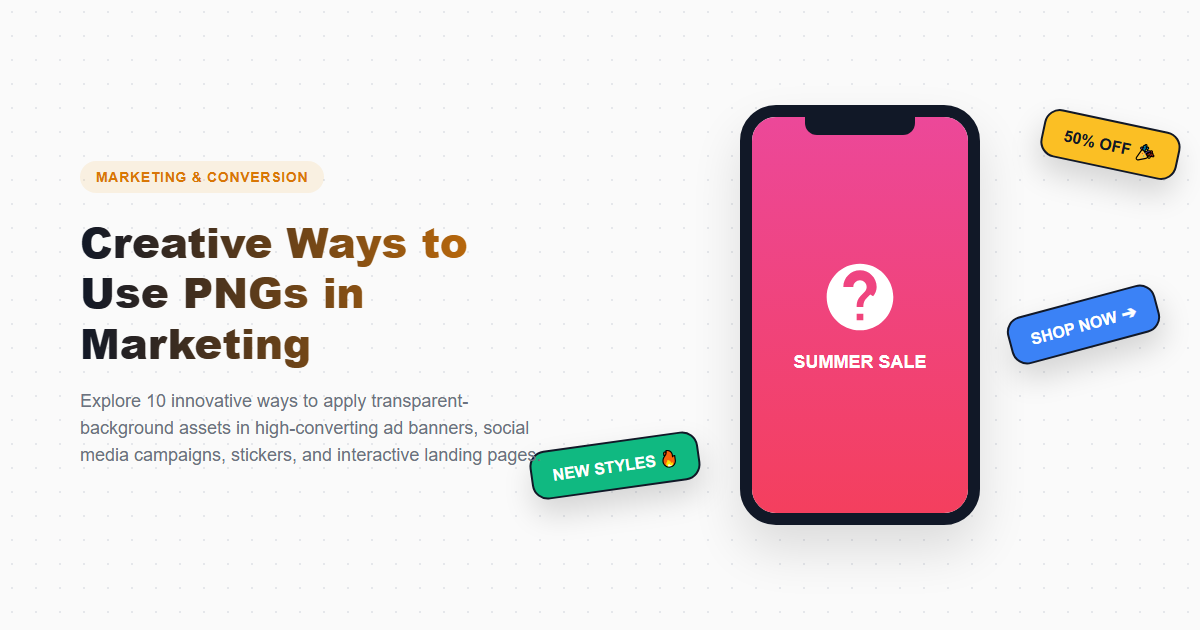
This guide explores 10 creative ways to integrate transparent PNGs into your design and marketing workflows.
1. Interactive E-Commerce Product Catalogs
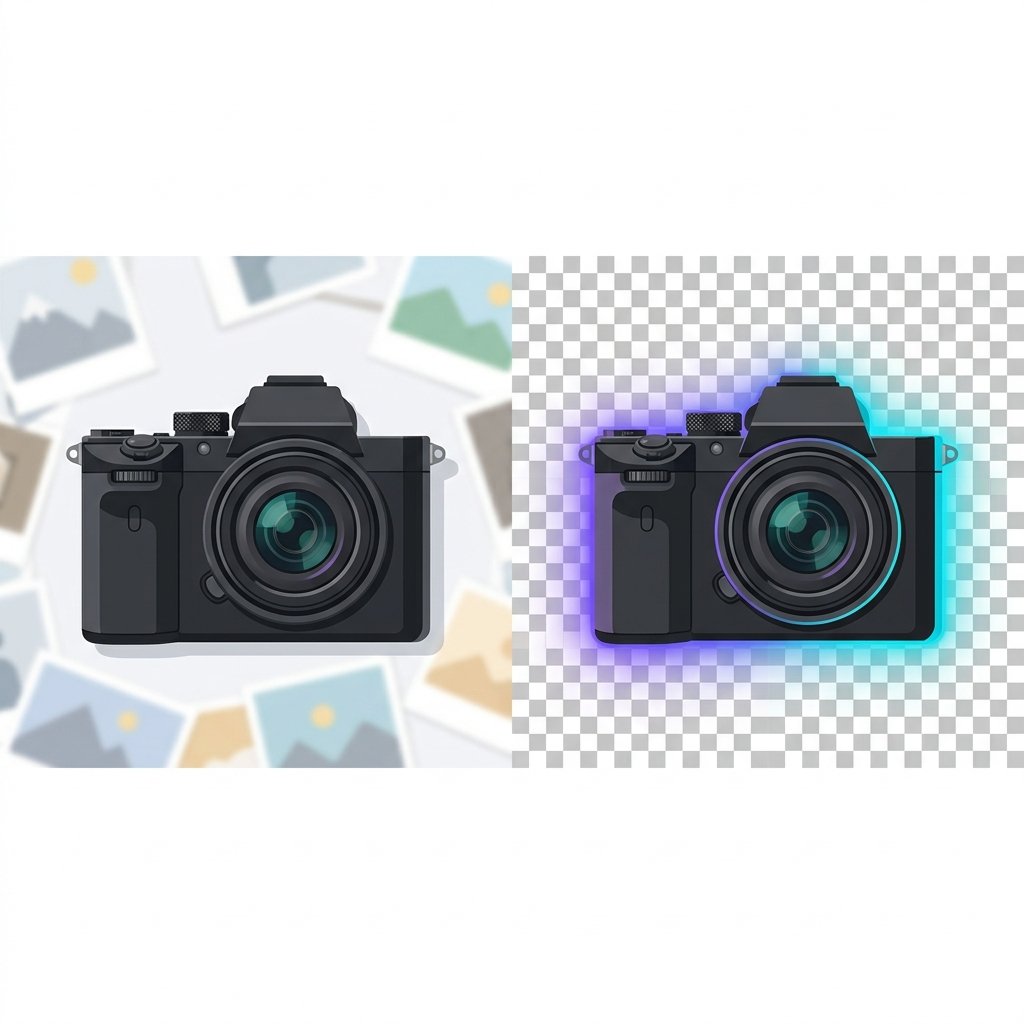
By using an AI remove background online tool to isolate your product photos, you can display clean cutouts on your catalog pages. This makes it easy to implement hover-to-zoom effects or swap background colors dynamically.
2. Layered Parallax Web Headers
Stack transparent PNG graphics over background colors or illustrations. Using CSS `z-index` properties, you can make the layers scroll at different speeds to create a dynamic 3D depth effect.
3. Professional Email Signatures
Avoid ugly rectangular frames in your emails. Save your portrait avatar or business logo as a transparent PNG to ensure it displays cleanly on any email client background, whether dark mode or light mode.
4. Custom Stickers and Merchandise Mockups
Create custom brand merchandise by layering logo designs onto clothing templates. Export the mockups as transparent PNGs to preview how they will look on different materials.
5. High-Converting Social Media Overlays
Build reuseable social media graphics by overlaying isolated quote blocks, badges, or brand marks onto product photos or video previews.
6. Product Mockup Compositing
Place transparent PNG cutouts of your products into realistic lifestyle photos, allowing you to showcase your goods in different settings without expensive photoshoots.
7. Animated Web Transitions
Animate transparent PNG assets (like a character or product icon) sliding or fading into view as users scroll down your website, creating an engaging experience.
8. Custom Brand Presentations
Use transparent illustrations and chart elements in your presentation slides. Placing these assets over slide themes helps keep your presentation design clean.
9. Interactive Infographics
Design interactive web infographics by layering isolated data cards or map pins over visual layouts, allowing users to click and interact with the graphic.
10. Digital Scrapbooking and Collages
Combine transparent PNG graphics, textures, and typography elements to build digital collages for blog headers or landing pages.
Comparing Layout Layouts
| Visual Aspect | Transparent PNG Stack | Solid Graphic Block |
|---|---|---|
| Design Depth | Excellent (allows overlapping layers) | Flat (elements are contained in blocks) |
| Background Adaptability | Universal (works on dark, light, or patterned backgrounds) | Poor (requires specific background matches) |
| Animation Support | Supports smooth motion and overlaps | Awkward (rectangular frames shift during motion) |
Creative Advantages
- Improves visual layouts with z-axis depth.
- Ensures consistent brand display across different channels.
- Reduces the need for custom photoshoots.
- Enables modern interactive web animation effects.
Creative Constraints
- Requires additional time to create clean edges and remove backgrounds.
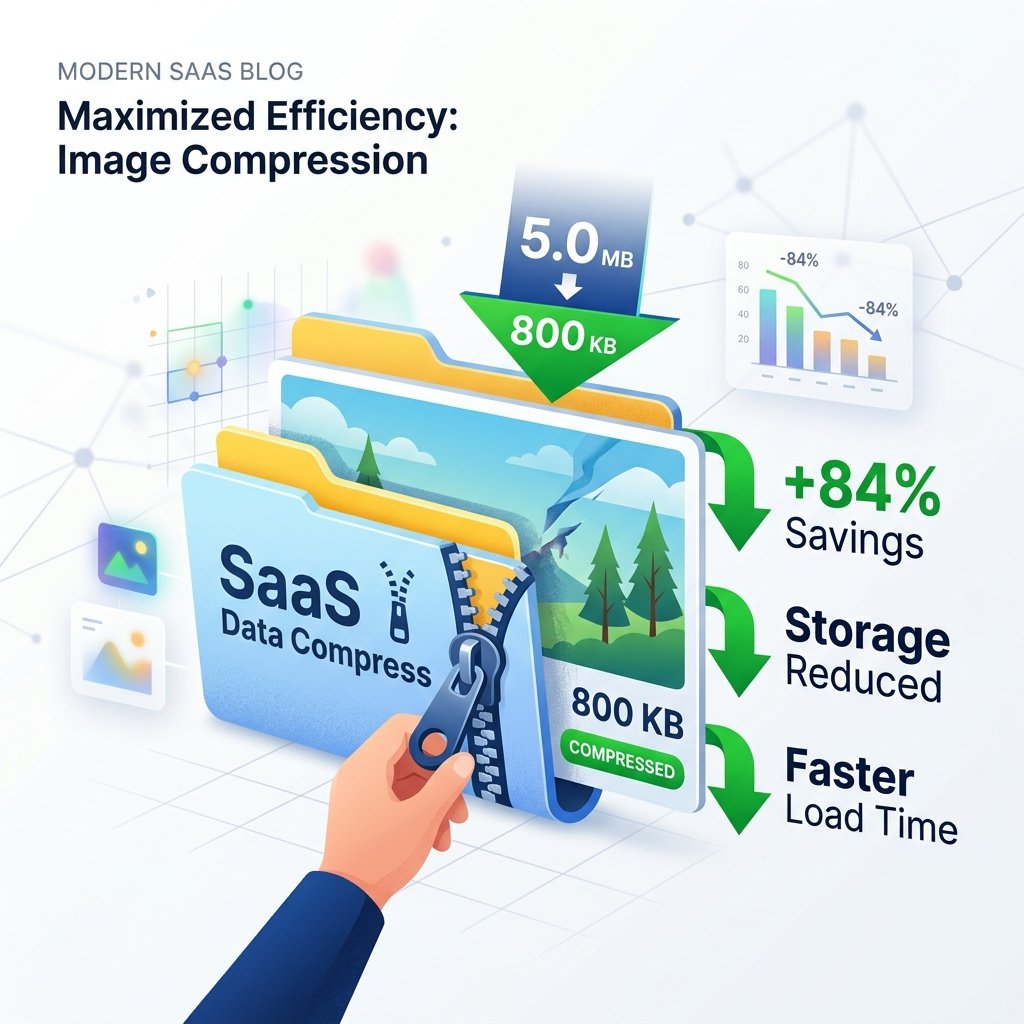
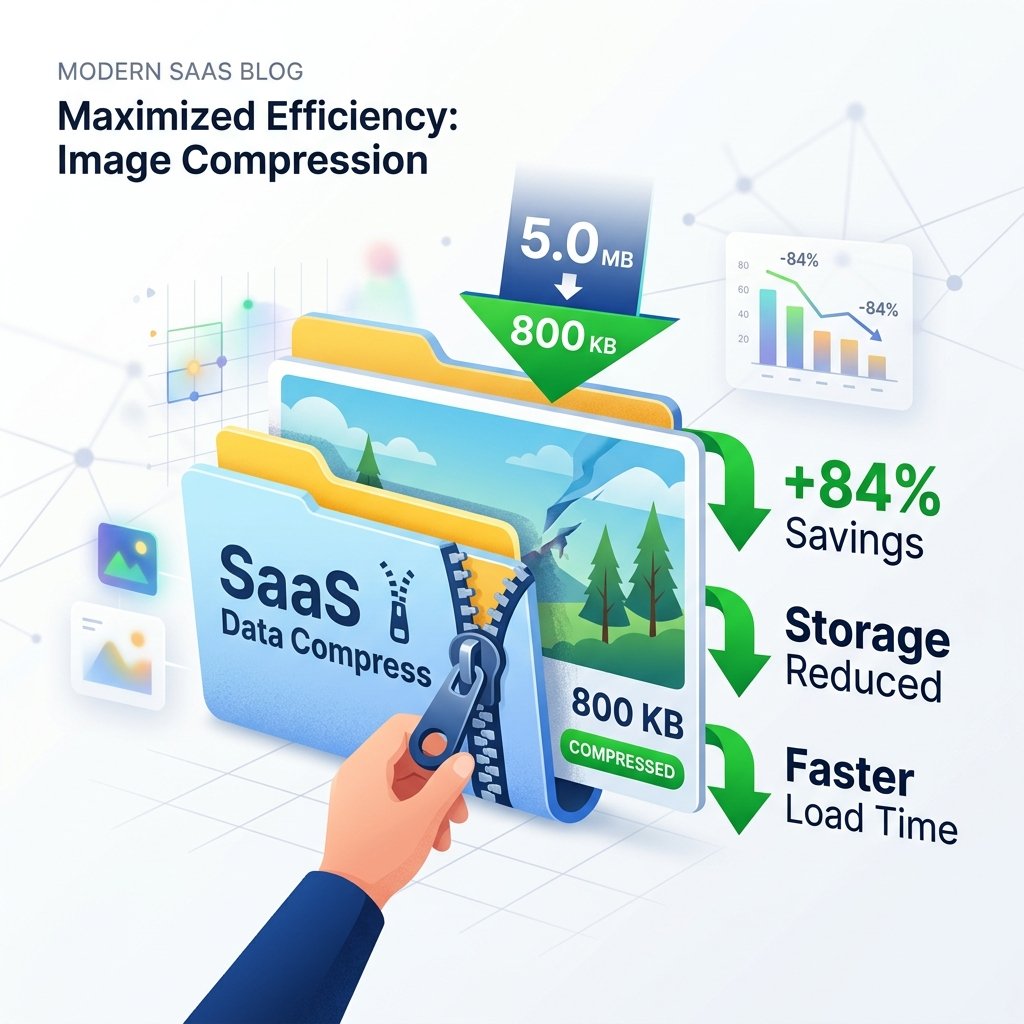
- Larger file sizes can impact page load speeds if not compressed.
- Requires careful contrast management to ensure elements remain readable.
Frequently Asked Questions
Can transparent PNGs be used in newsletters?
Yes, most modern email clients support PNG transparency, allowing you to design clean signatures and newsletters.
How do I crop a transparent PNG without losing transparency?
You can crop the image using our browser-based PNG editor, which preserves the transparent alpha channel during the edit.
Is WebP a better choice for website graphics?
Yes, in most cases. WebP images are typically 30% smaller than equivalent PNG files, helping your site load faster. You can use our PNG converter to easily convert your assets.
How do I verify if a downloaded file has real transparency?
A real transparent PNG will usually show a solid white background in search results, which transitions to a gray and white checkerboard grid during preview.
How do I compress PNG images?
Upload your files to our PNG compressor to optimize color tables and strip metadata, reducing file size while keeping visual quality intact.
Access Over 10,000 Free Transparent PNGs
Upgrade your marketing and design workflows. Download thousands of free, high-resolution transparent PNG graphics or create custom assets with our AI-driven design tools.