Best Free PNG Tools Online for Designers and Creators
From image compression to AI background removal, modern digital designers require high-performing, lightweight online tools. Here is our expert roundup of the best free utilities.
The Power of Browser-Based PNG Tools
In modern graphic design, agility is key. Creators no longer have the time to open heavy desktop applications for simple tasks like cropping backgrounds, changing image formats, or compressing files. Browser-based PNG tools have evolved from basic utilities into powerful applications capable of processing files in seconds using web assembly and cloud-based AI.
Whether you are an e-commerce seller preparing product photos, a social media manager building marketing graphics, or a developer optimizing site speed, these tools are essential. Utilizing a dedicated remove background online tool or a lossless PNG compressor can streamline your creative process.
This guide highlights the top free PNG utilities available online, explaining their features, benefits, and how they can improve your design workflow.
AI Background Removers
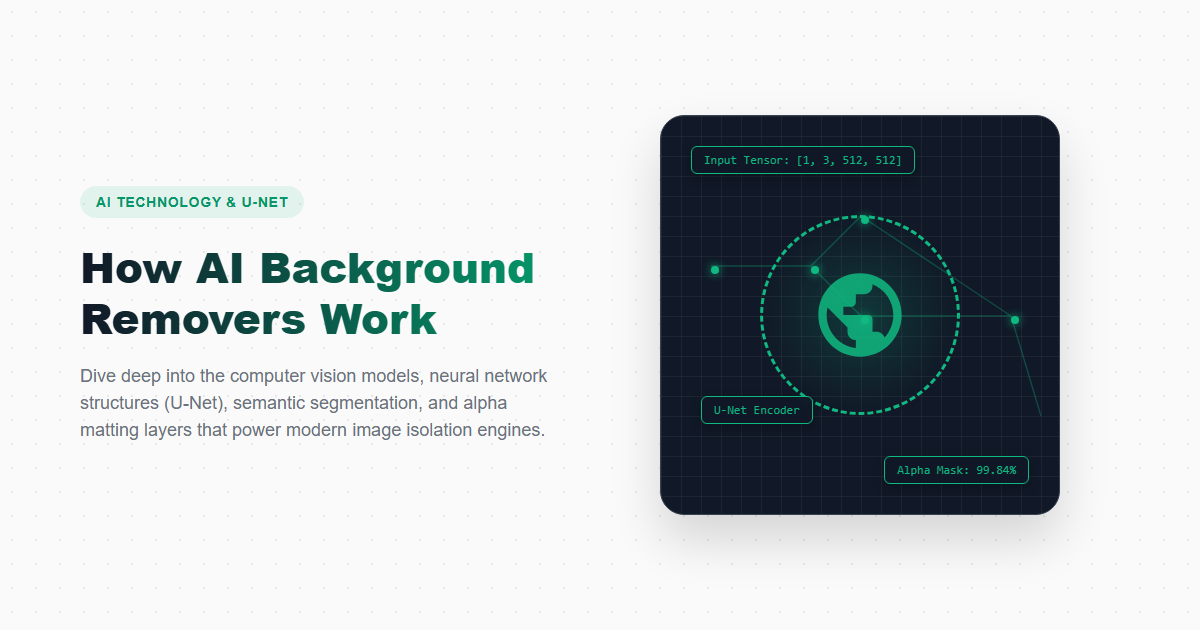
AI background removers use deep learning models to automatically isolate the subject of an image and remove the background. This allows you to generate high-quality transparent PNG files in seconds without manually drawing selection paths.
Our recommended tool is imagpng.com's Background Remover, which offers accurate edge detection and matting for complex textures like hair or fur, making it perfect for product shots and portrait photos.
PNG Compressors
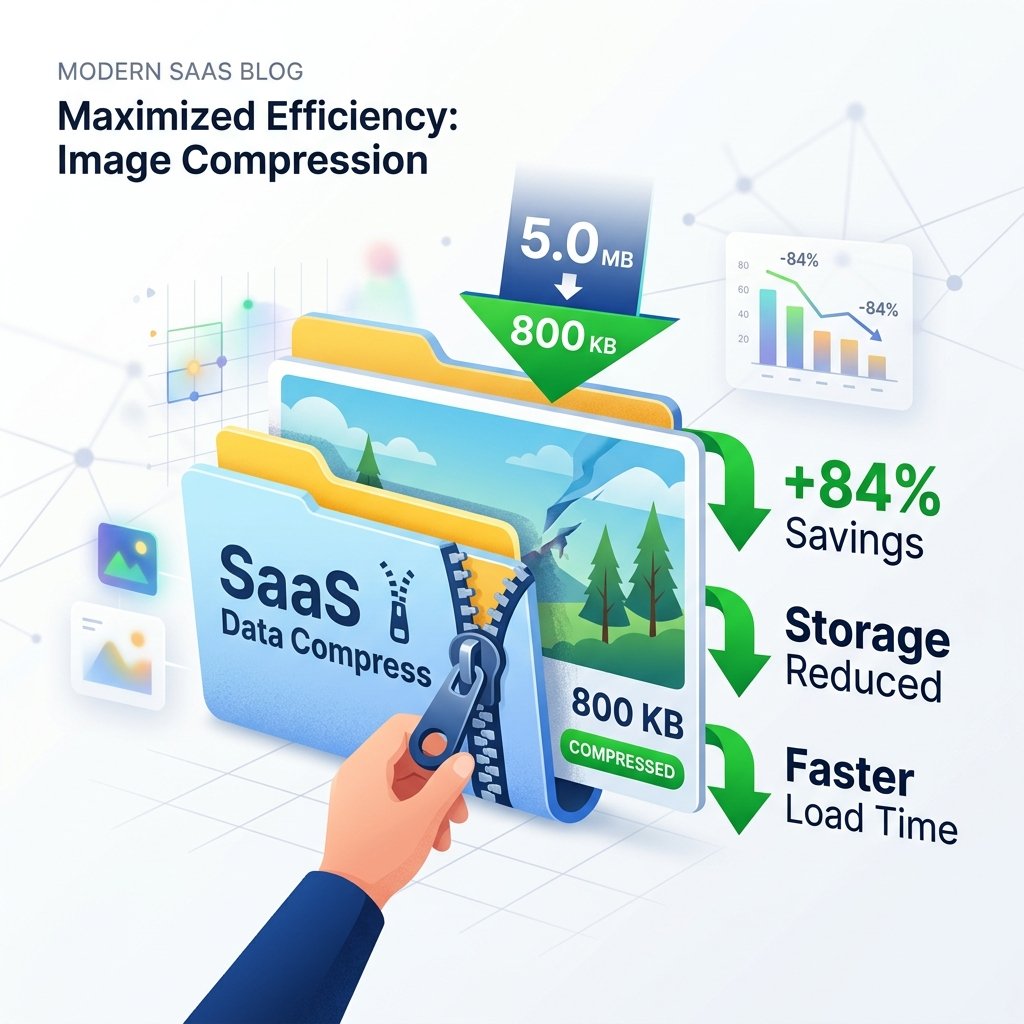
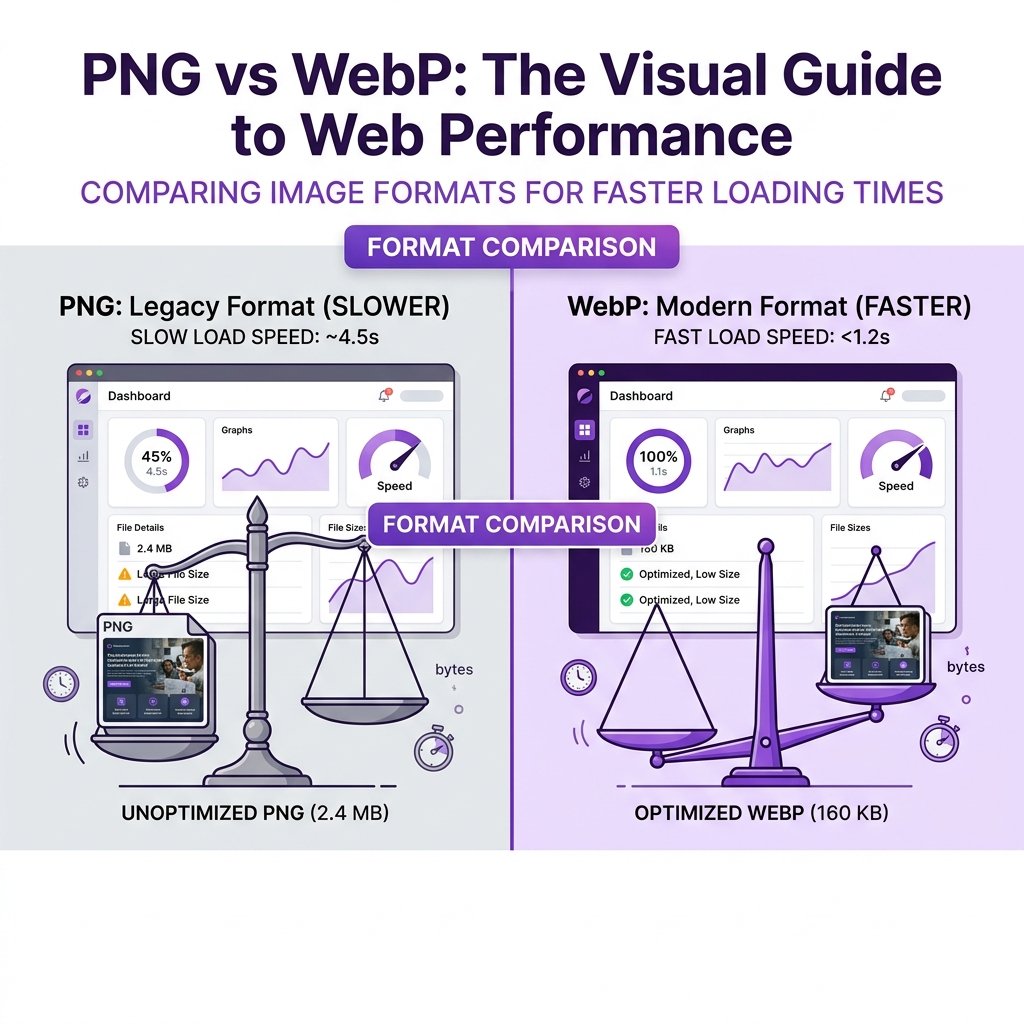
Because PNG is a lossless format, files can be quite large. PNG compressors reduce file sizes by stripping metadata and optimizing color tables, helping websites load faster.
Using our PNG compressor, you can reduce image files by up to 80% without losing visual detail, improving page load speeds and overall SEO performance.
Online PNG Editors
For quick edits like cropping, resizing, or adding text overlays, an online PNG editor is a fast, lightweight alternative to Photoshop.
These editors allow you to adjust layers, apply filters, and make quick annotations directly in your web browser.
PNG Tools Functionality Matrix
| Tool Type | Main Purpose | Target Users | Core Technology |
|---|---|---|---|
| Background Remover | Isolating subjects, creating transparent assets | E-commerce sellers, graphic designers | AI Semantic Segmentation |
| Compressor | Shrinking file sizes for faster load speeds | Web developers, digital marketers | Quantization & Deflate algorithms |
| Converter | Changing formats between PNG, JPG, and WebP | Content creators, publishers | Browser-based canvas decoding |
| Logo Maker | Generating brand marks with transparent backgrounds | Startups, small business owners | Vector engines and SVG-to-PNG export |
Why Use Online PNG Tools
- Instant processing without software downloads or installations.
- Accessible from any device, including laptops, tablets, and smartphones.
- Free options with generous usage limits, reducing design costs.
- Simplified interfaces designed for quick task completion.
Things to Watch Out For
- Requires a stable internet connection to upload and process files.
- File size limits may apply for free users.
- Less suitable for highly complex, multi-layered editing projects.
Frequently Asked Questions
Are online PNG tools safe to use?
Yes. Most reputable online PNG tools use secure SSL connections, encrypt file uploads, and automatically delete processed files from their servers after a short period.
Can I compress transparent PNGs without losing transparency?
Yes! High-quality compressors optimize colors and strip meta tags while keeping the transparent alpha channel intact.
How do I create a logo with a transparent background?
You can use an online logo maker to design your brand mark, then export the file as a PNG-24 with transparency enabled.
What is the difference between lossy and lossless compression?
Lossless compression reduces file size without discarding any pixel data, ensuring identical visual quality. Lossy compression permanently discards less noticeable visual data to achieve much smaller file sizes.
Do mobile browsers support online editing?
Yes, most modern online editing tools feature responsive interfaces that adapt to mobile screens and touch controls.
Access All Your Graphic Design Utilities in One Place
From background removal to compression and formatting, optimize your digital asset workflow using our suite of free online PNG tools.