How Designers Use PNG Assets in Modern Creative Projects
From design mockups to interactive web interfaces, transparent PNGs are essential assets. Discover how designers use isolated graphics to create engaging layouts.
The Role of Transparent Assets in Creative Portfolios
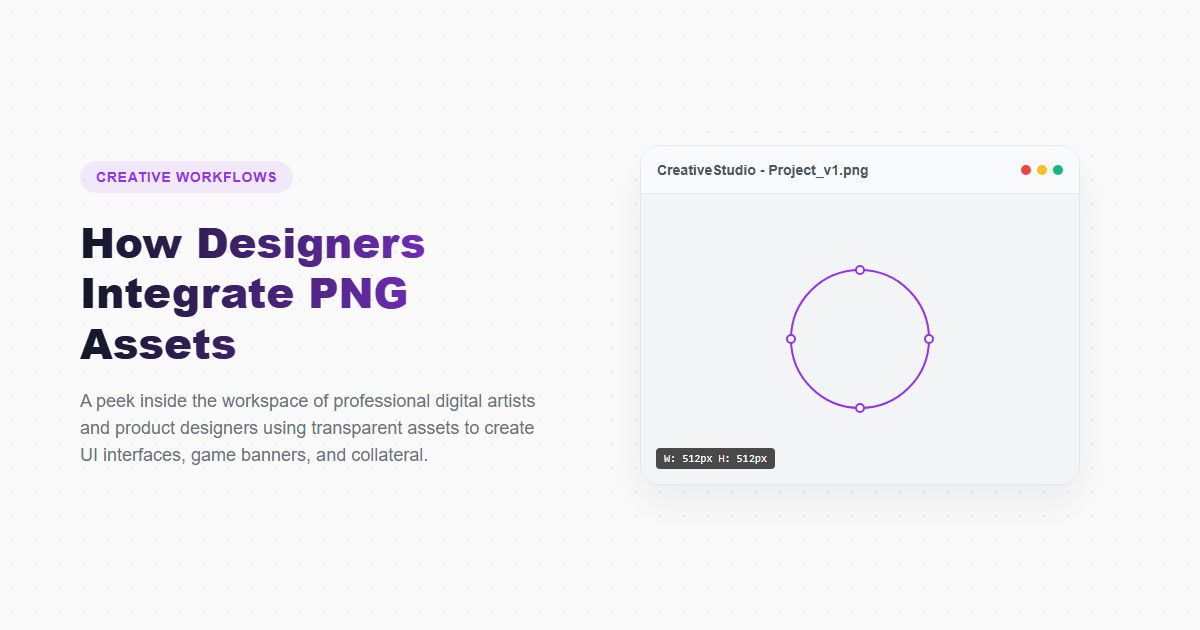
Modern graphic design is highly dynamic. Static, rectangular blocks are being replaced by layered, interactive compositions featuring overlapping text, shapes, and textures.
To achieve this layered look, designers rely on transparent PNG assets. By removing background elements, they can place subjects onto different designs, combine elements for client mockups, or build interactive website animations.
This guide explores how professional designers use transparent PNGs, explaining asset sourcing, layering techniques, and optimization strategies.
Key Sourcing and Editing Workflows
To build a high-quality graphic library, designers use several key workflows:
1. Sourcing Quality Elements
Designers search for high-resolution, isolated assets from curated libraries of free PNG images. These libraries provide pre-cropped graphics, saving time during composition.
2. Isque-Free Background Removal
When a desired graphic is not available on a transparent background, designers use an AI remove background online tool to isolate the subject, generating a clean cutout in seconds.
3. Web Performance Optimization
Large, unoptimized PNG assets can slow down page loading speeds. Designers use a PNG compressor to strip unnecessary metadata and optimize color tables, ensuring graphics remain sharp while loading quickly.
How to Build a Design Mockup with PNGs
Gather Isolated Assets
Download high-resolution transparent PNG cutouts of your products or design elements from our library.
Layer Elements in Design Canvas
Place your background scene, position your transparent PNG elements, and add annotations or branding text.
Refine Lighting and Shadows
Use our browser-based PNG editor to adjust colors, add soft drop shadows, and align edges to make the cutout fit naturally into the scene.
Export and Compress for Review
Export your mockup as a PNG, and compress the file using our PNG compressor to keep it light for fast sharing with clients.
Comparing Graphic Asset Workflows
| Feature | Pre-Cropped PNG Assets | Manual Background Cutting |
|---|---|---|
| Creation Speed | Fast (under 10 seconds) | Slow (10 to 30 minutes per photo) |
| Skill Level Required | None (ready to drop in) | High (requires brush and pen tool expertise) |
| Edge Quality | Consistent (pre-optimized) | Varies (depends on manual precision) |
| Flexibility | Fixed styles and views | High (can isolate any custom photo) |
Design Advantages
- Speeds up mockup creation and client review times.
- Ensures consistent brand display across different channels.
- Allows for layered designs and creative depth.
- Generates high-resolution transparent files for web and presentation slides.
Design Constraints
- PNG assets can look blurry if scaled up past their original dimensions.
- Large files can slow down website speeds if not compressed.
- Requires converting colors to sRGB to ensure accurate display on screens.
Frequently Asked Questions
What is the best way to handle large PNG files?
Always compress your files using our browser-based PNG compressor. This strips unnecessary metadata and optimizes color tables, reducing file size while keeping visual quality intact.
Can I use transparent PNGs in vector editors like Illustrator?
Yes. Vector design applications allow you to import raster PNG assets and place them inside vector layouts.
How do I crop extra margins around a transparent PNG?
You can crop the image using our browser-based PNG editor, reducing empty space and making alignment in design layouts easier.
Are SVG images better than transparent PNGs?
SVGs are vector-based and can scale infinitely, making them ideal for flat logos and simple icons. PNGs are raster-based and better suited for photographic cutouts, complex textures, and product displays.
Does Google index PNG images?
Yes, Google crawls and indexes PNG images, allowing them to appear in search results.
Access Over 10,000 Free Transparent PNGs
Browse our curated library of high-resolution, royalty-free transparent PNG graphics, icons, and illustrations. Ready for commercial and personal projects.